
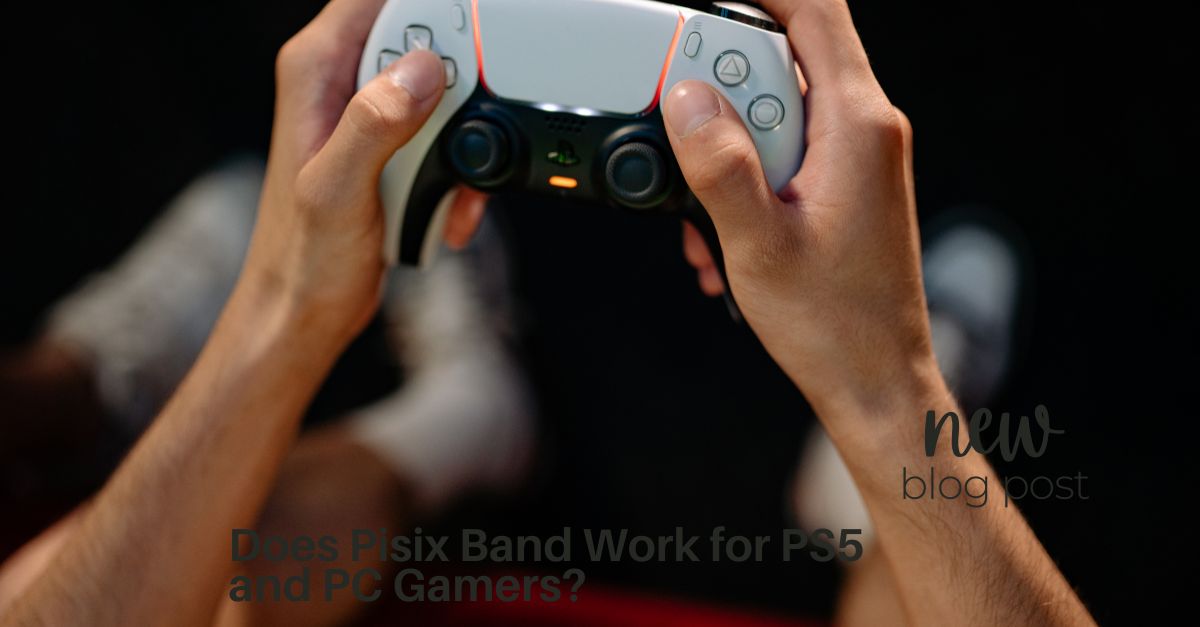
You just dropped serious cash on a top-tier PC rig or finally snagged a PlayStation 5. You boot up a massive, graphically stunning AAA title, ready to lose yourself for hours. But within 30 minutes, your head starts pounding, you break into a cold sweat, and your stomach is doing backflips.
If playing your favorite PS5 or PC games leaves you feeling nauseous, you are experiencing simulator sickness. It’s incredibly common, especially with modern hardware pushing hyper-realistic graphics. But do you have to pop drowsy pills just to play?
Many gamers are turning to natural, wearable solutions. If you are wondering, “Does the Pisix Band work for PS5 and PC gamers?” the answer is yes. Here is a deep dive into why high-end gaming makes you sick, and how the Pisix Band can keep your reaction times sharp and your stomach settled.
Why Next-Gen Gaming Causes Motion Sickness
It seems unfair: you upgrade your hardware for a better experience, but end up feeling worse. Why does a PS5 or a high-end PC trigger nausea more than older consoles?
The root cause is a sensory mismatch. Your eyes are taking in incredibly fluid, high-resolution movement, tricking your brain into thinking you are actually running, driving, or flying. Meanwhile, your inner ear (your vestibular system) knows you are sitting still in your ergonomic gaming chair. This conflict triggers an evolutionary defense mechanism: nausea.
Modern hardware amplifies this in a few ways:
-
Hyper-Realism & 4K Displays: The closer a game looks to real life, the easier it is for your brain to get confused when physical movement doesn’t match the visual input.
-
Massive Ultrawide Monitors: PC gamers using curved or triple-monitor setups fill their entire peripheral vision with motion, overwhelming the brain’s spatial awareness.
-
PSVR2 and PC VR: Virtual reality is the ultimate sensory mismatch. Immersing yourself completely in a digital space while standing in your living room is a notorious recipe for cybersickness.
How the Pisix Band Cures Gaming Nausea
When nausea hits mid-raid or during a competitive ranked match, reaching for over-the-counter motion sickness medication is a bad idea. Pills like Dramamine cause heavy drowsiness and brain fog—completely ruining your reaction times, aim, and overall gaming performance.
This is why the Pisix Band is a game-changer for PC and PS5 players.
The Pisix Band is a 100% drug-free, soft cotton wristband that uses ancient acupressure techniques to intercept nausea before it ruins your session. It features a built-in acupressure stud that applies continuous, gentle pressure to the Nei-Kuan (P6) point on your inner forearm.
By stimulating the P6 point, the band naturally blocks the nausea signals traveling between your confused brain and your stomach.
Key Benefits for Gamers:
-
Zero Drowsiness: Keep your APM (Actions Per Minute) high and your flick-shots precise. Because it’s chemical-free, you won’t feel sluggish or tired.
-
Instant & Preventative Relief: Slip them on right as you boot up Steam or your PS5 to prevent sickness entirely, or put them on the second you feel dizzy for rapid relief.
-
Marathon Comfort: The band is lightweight, breathable, and designed not to restrict blood flow, meaning you can comfortably wear it while gripping a DualSense controller or a mouse and keyboard for hours.
-
Reusable: One pair of bands will last you through hundreds of gaming campaigns and multiplayer grinds.
3 Quick Settings to Pair with Your Pisix Band
To create the ultimate anti-nausea gaming environment, strap on your Pisix Band and tweak these specific PS5 and PC settings:
-
Widen Your FOV (Field of View): A narrow FOV creates a “tunnel vision” effect. Go into your game’s display settings and slide the FOV up (usually between 90 and 100 is the sweet spot for PC gamers sitting close to the screen).
-
Prioritize Performance Mode (Stable FPS): On PS5, always choose “Performance Mode” over “Fidelity/Graphics Mode.” A stable 60 FPS (or 120 FPS if your TV supports it) is much easier on your brain than a choppy 30 FPS. PC gamers should cap their frame rates to match their monitor’s refresh rate to avoid jarring screen tearing.
-
Turn Off Motion Blur and Head Bob: These cinematic effects are artificial triggers for simulator sickness. Disable them immediately for a crisp, stable image.
Conclusion
Upgrading to a PS5 or a high-end PC shouldn’t mean downgrading your comfort. Simulator sickness is a frustrating side effect of incredible technology, but you don’t have to let it bench you. By optimizing your in-game display settings and wearing a Pisix Band to naturally block nausea without the drowsy side effects, you can finally enjoy those massive, immersive worlds exactly how they were meant to be played.


